API documentation
https://xconnector.app/api-docs.html
What can you automate through the xConnector API?
In addition to the automations available directly in the xConnector interface, the API allows developers, merchants, and external applications to interact directly with xConnector and build their own processing and automation workflows.
What is currently available through the API:
Orders
- read and filter orders;
- retrieve an individual order;
- identify an order by an AWB / tracking number registered through xConnector;
- filter and organize orders by SKU, number of products, status, and other criteria.
Addresses
- retrieve the information required to validate an address;
- apply an address correction.
Shipping
- retrieve configured connectors;
- estimate shipping costs;
- create and cancel shipping labels / AWBs;
- download shipping labels as PDF files;
- mark orders as dispatched;
- send an email notification when the customer has not selected a locker.
Invoicing
- generate invoices;
- record invoice payments;
- cancel and reverse invoices;
- download invoices as PDF files;
- attach an invoice issued externally through a compatible system.
Picking lists
- list picking lists;
- create or reuse a picking list;
- retrieve the orders included in a picking list;
- add orders to a picking list.
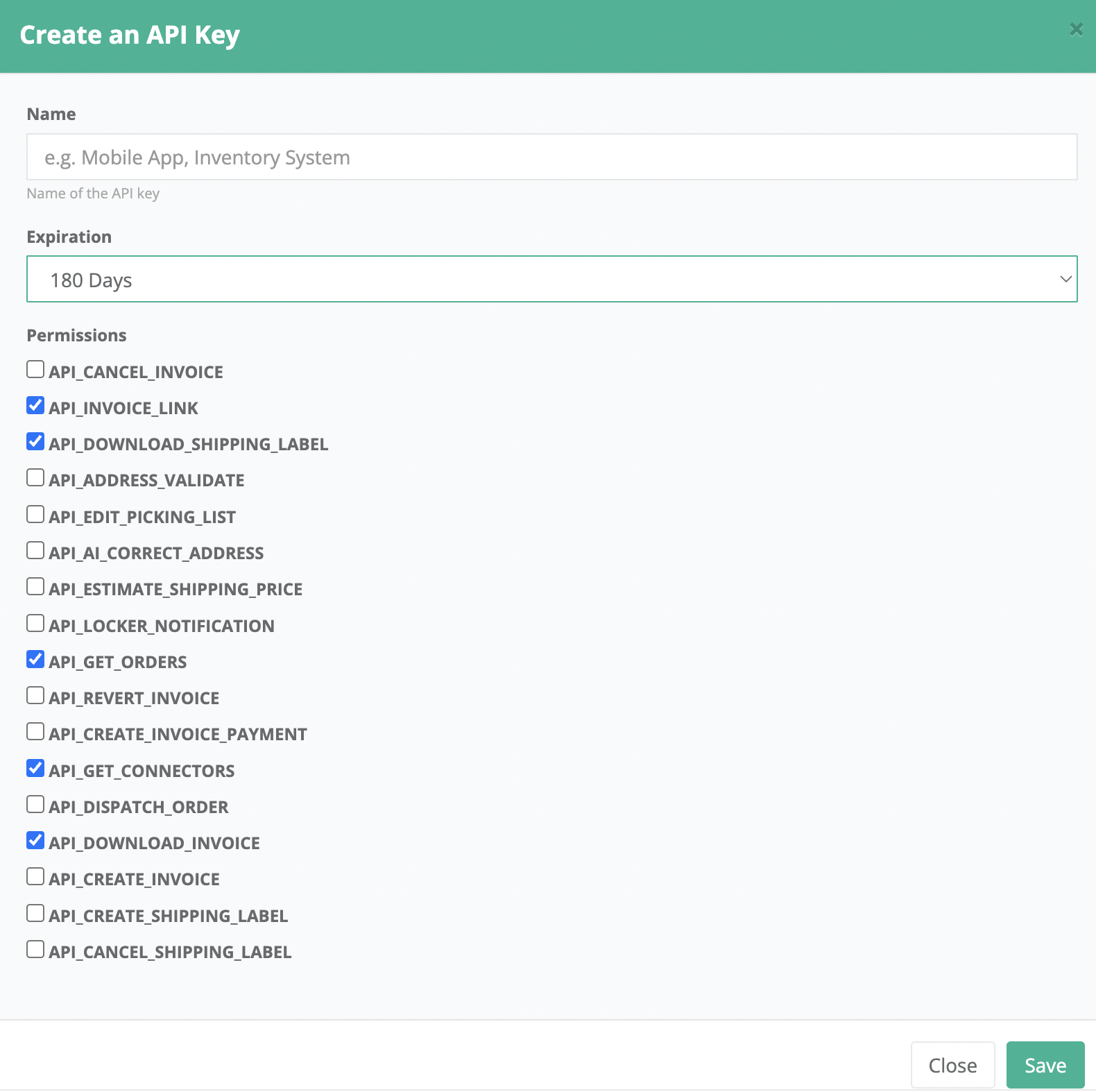
The availability of each operation depends on the store configuration, the connectors being used, and the permissions granted.
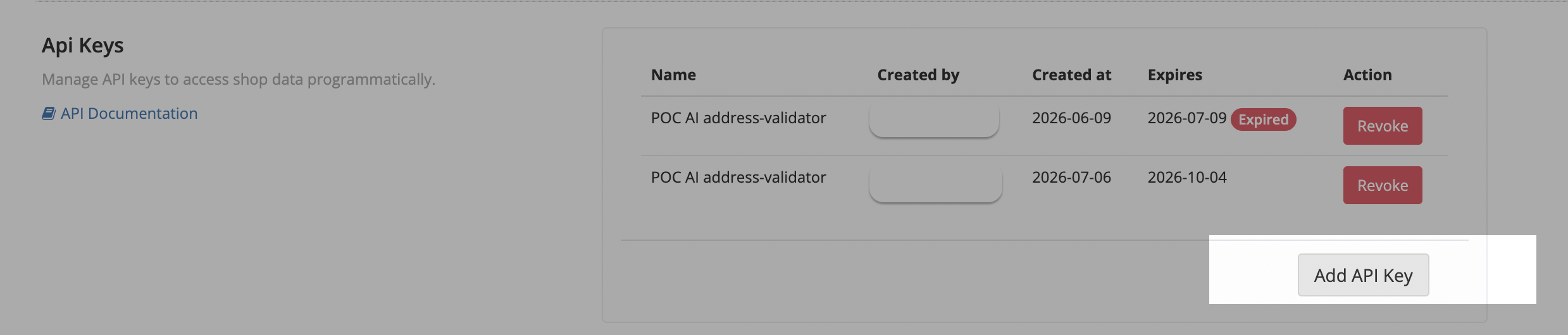
Each API key can have its own set of permissions. This means an integration can be given access only to the operations it actually needs. When working with multiple stores, a separate API key is used for each store.
AI assistants
We are currently working on a pilot project in which we use AI assistants connected to the xConnector API to automate operational tasks that would normally require several manual steps.
And more to come soon.
Address correction
The assistant analyzes orders with incorrect or incomplete addresses and looks for a safe correction for the street, city, or postal code.
Uncertain cases are not modified. Instead, they are sent separately for review, together with an explanation of the issue.
The principle is simple: no correction is better than a wrong correction.
Organizing orders into picking lists
Eligible orders can be grouped automatically, for example by SKU or by order complexity.
Before the lists are created, the operator can review the complete proposal and see exactly what will be created.
Document generation
Shipping labels / AWBs and, optionally, invoices can be generated for orders grouped into a picking list.
Before processing, the orders are checked again, and the estimated shipping cost can also be requested.
4. Preparing documents for printing
Undownloaded shipping labels can be identified across multiple stores, grouped by SKU, and ordered for the picking and printing process.
The PDFs are downloaded individually through the API, while the assistant handles their grouping and ordering.
Contact
➡️ Need help with xConnector? We are just a message away:
Chat: click the blue chat icon (bottom-right)
E-mail: support@xconnector.app
Phone: +4 0373 747 991
➡️ Stay connected with xConnector:
Facebook group: https://www.facebook.com/groups/shopify.romania.xconnector
Facebook page: https://www.facebook.com/xConnectorApp
TikTok: https://www.tiktok.com/@xconnector.app
YouTube: https://www.youtube.com/@xconnector_app
Was this article helpful?
That’s Great!
Thank you for your feedback
Sorry! We couldn't be helpful
Thank you for your feedback
Feedback sent
We appreciate your effort and will try to fix the article