A new default setting has been introduced: you can choose the source of the invoice address and set it as default.
This is helpful if you have B2B (legal entity) customers and want to generate B2B invoices automatically.
Path: xConnector -> Profile -> Preferences -> Address used for invoices
This setting applies automatically to bulk invoice generation and invoices generated automatically via Shopify Flow.

When you generate a shipping label and invoice together using Create shipment option, the invoice address is taken from Recipient -> Shipping address.
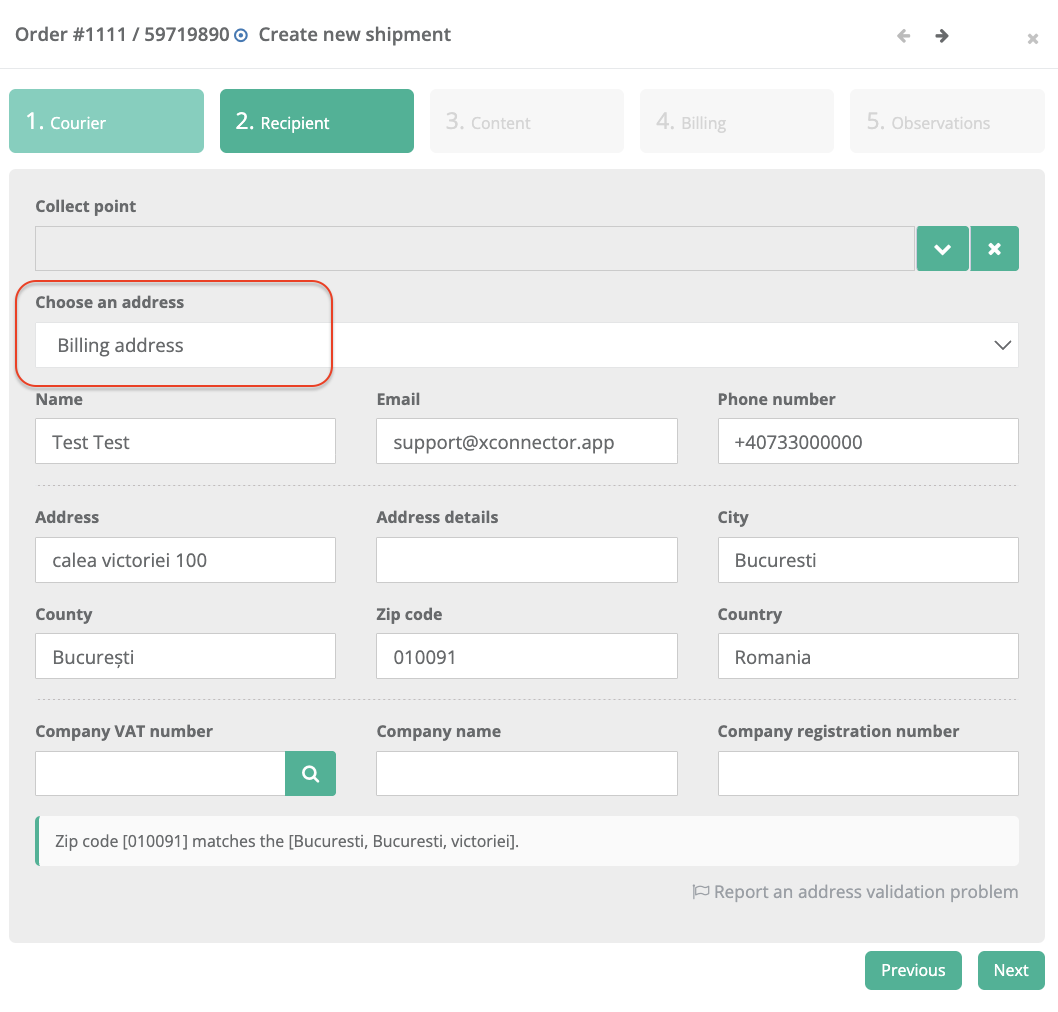
When you generate only an individual invoice, you can select the billing address source in the Customer screen. 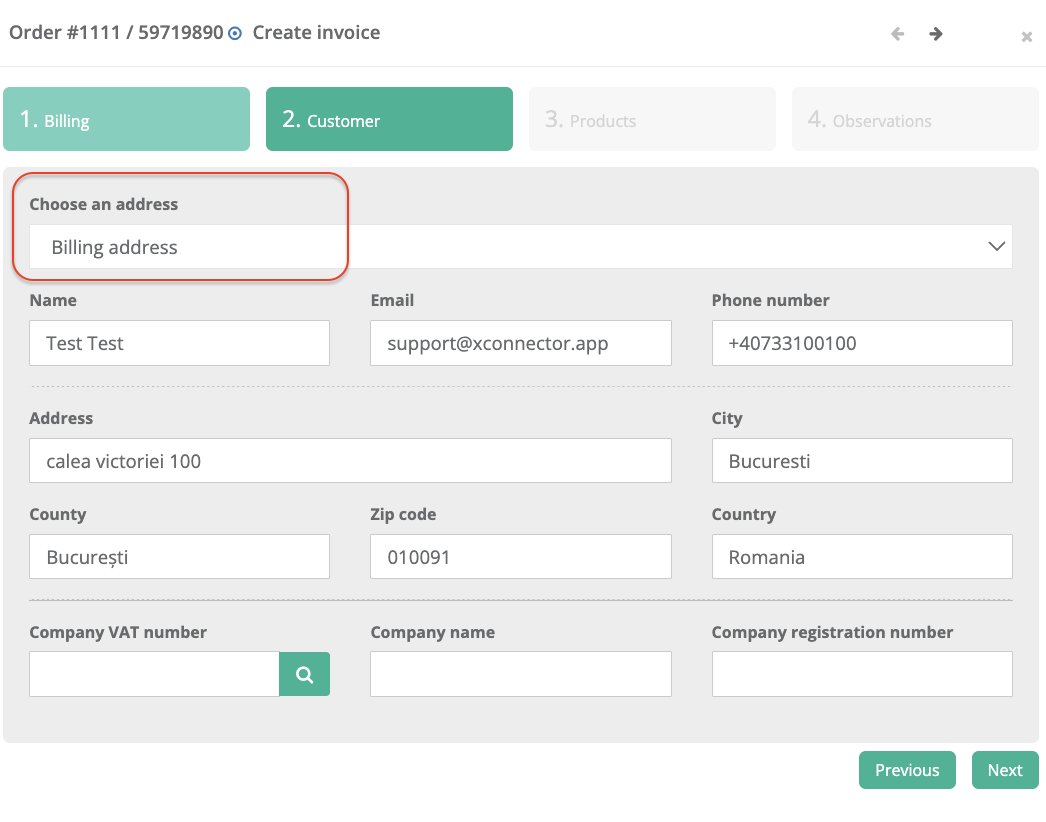
Was this article helpful?
That’s Great!
Thank you for your feedback
Sorry! We couldn't be helpful
Thank you for your feedback
Feedback sent
We appreciate your effort and will try to fix the article