You can connect Ecolet in xConnector → Profile → Preferences → Connected Services.
Then go to:
Connect a new service → Shipping & Couriers → Connect a courier → Ecolet
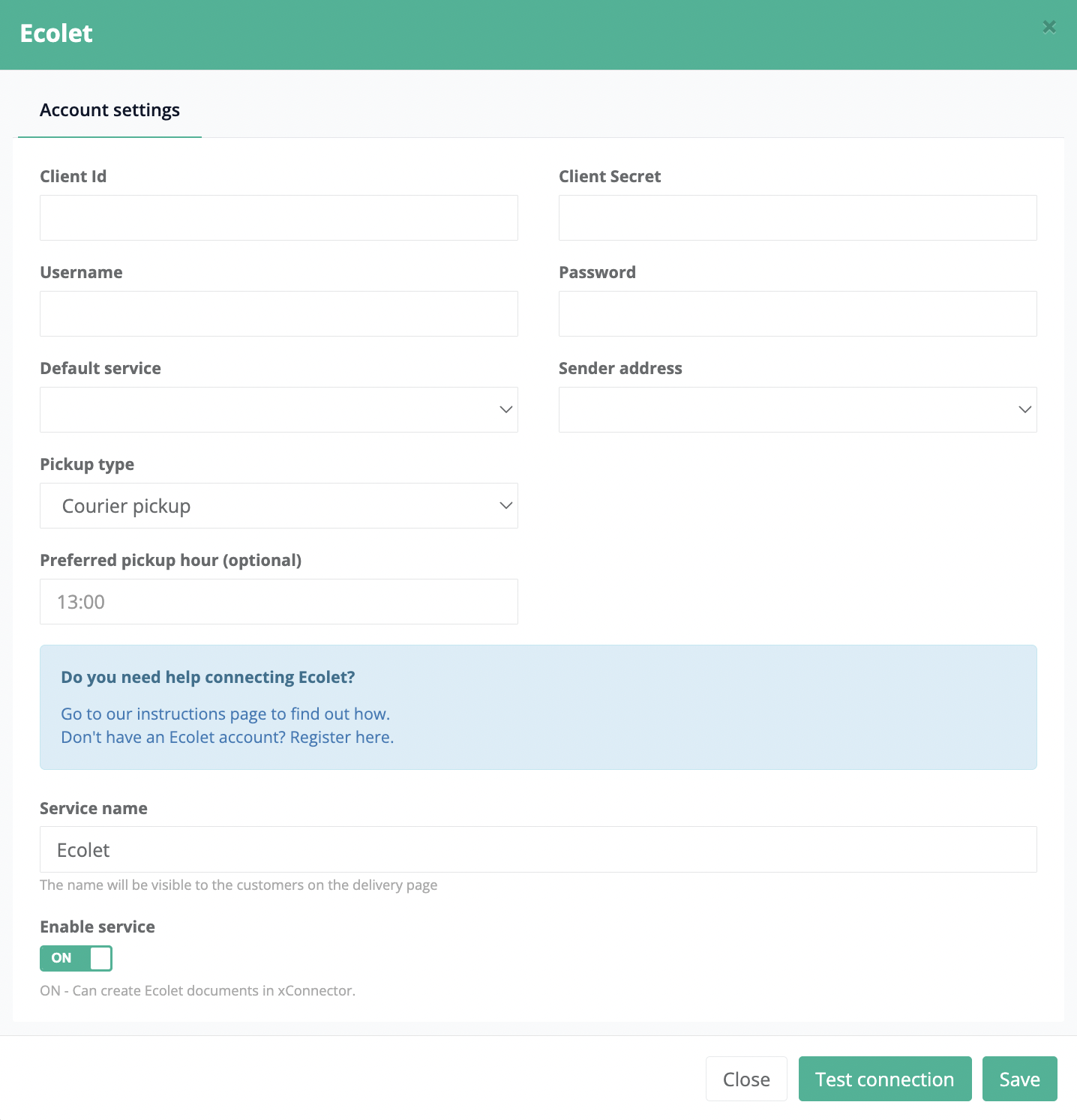
- Fill in your Ecolet credentials: Client Id, Client Secret, Username, and Password.
- Click Test connection to verify the connection to the Ecolet API.
- If the connection is successful, click OK.
- Click Save to complete the setup.
Was this article helpful?
That’s Great!
Thank you for your feedback
Sorry! We couldn't be helpful
Thank you for your feedback
Feedback sent
We appreciate your effort and will try to fix the article