Exclude non-shippable items from the shipping label content description
Product information from the Shopify order can be included in the shipping label content description.
In some cases, an order may contain both physical products and services, digital items, or free items that do not require shipping. xConnector allows you to choose whether these non-shippable items should also be included in the shipping label content description.
xConnector uses the Shopify “This is a physical product” setting to determine whether an item is shippable:
- Products with “This is a physical product” enabled are considered shippable.
- Products without this option enabled are considered non-shippable.
You can choose whether non-shippable items should be included on the shipping label from:
xConnector → Profile → Preferences → Shipping and Invoicing
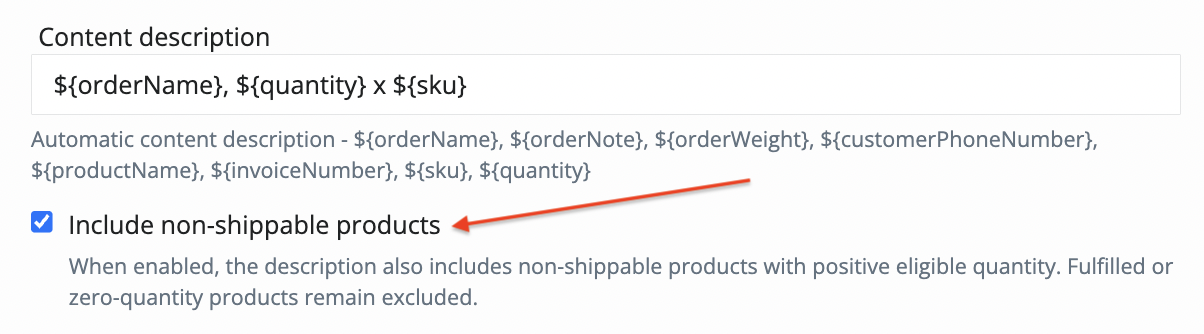
Enable or disable the option Exclude non-shippable items from the shipping label content description according to your workflow.
An order contains 1 shampoo, 1 conditioner, and a priority delivery service.
If you do not want the priority delivery service to be included in the shipping label content description, xConnector will treat it as a non-shippable item if “This is a physical product” is not enabled for that item in Shopify.
In xConnector, go to:
Profile → Preferences → Shipping and Invoicing and disable the option:
Include non-shippable items from the shipping label content description
Was this article helpful?
That’s Great!
Thank you for your feedback
Sorry! We couldn't be helpful
Thank you for your feedback
Feedback sent
We appreciate your effort and will try to fix the article